Every year I tell people Squarespace Circle Day is my favorite work day of the year. And every year I worry a little that I’ve built it up too much, and it won’t live up to expectations.
This year? Exceeded expectations.
I came to New York with an extra bag for swag and some big questions. And if you work in the web design world too, you probably have the same questions. Maybe along the lines of “Where are we going? And why are we all in this handbasket?”
But, seriously, things in our industry are changing SO fast. I’ve been doing this work for decades, and the tools have changed numerous times, but I’ve never seen the pace of change we’re experiencing today. And after talking with a lot of other designers last week, I heard the same threads again and again. How do we use AI? What if we don’t want to use AI? What is Squarespace doing about this? And, most of all, where do we fit? And I’m right there with you.
I left Circle Day with a notebook full of ideas, new and renewed connections, clear eyes, full heart… you get the idea. There’s always magic in being in the same space (live OR virtual) with people who just get it. So, let’s dive in.
But First, Puno
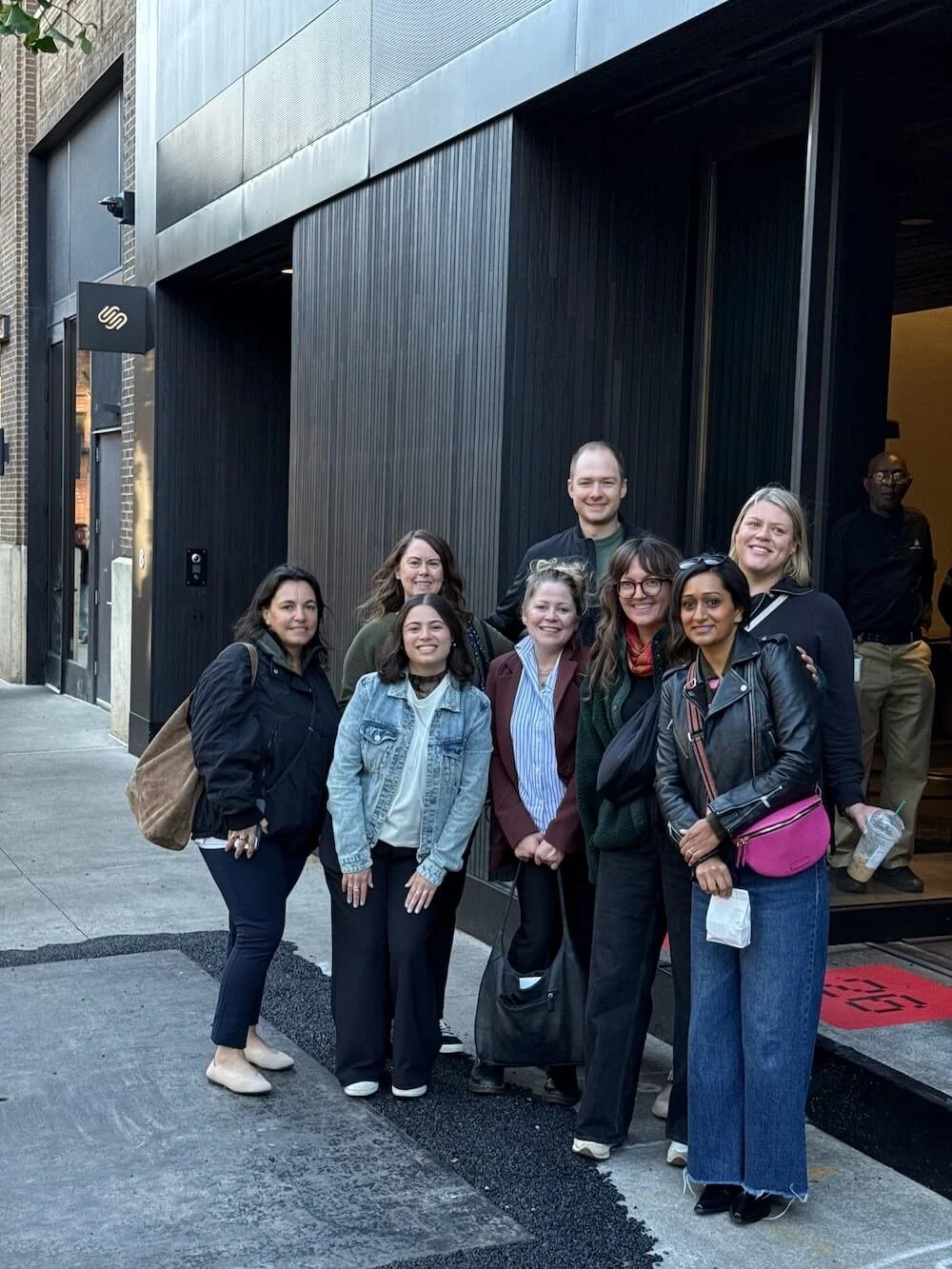
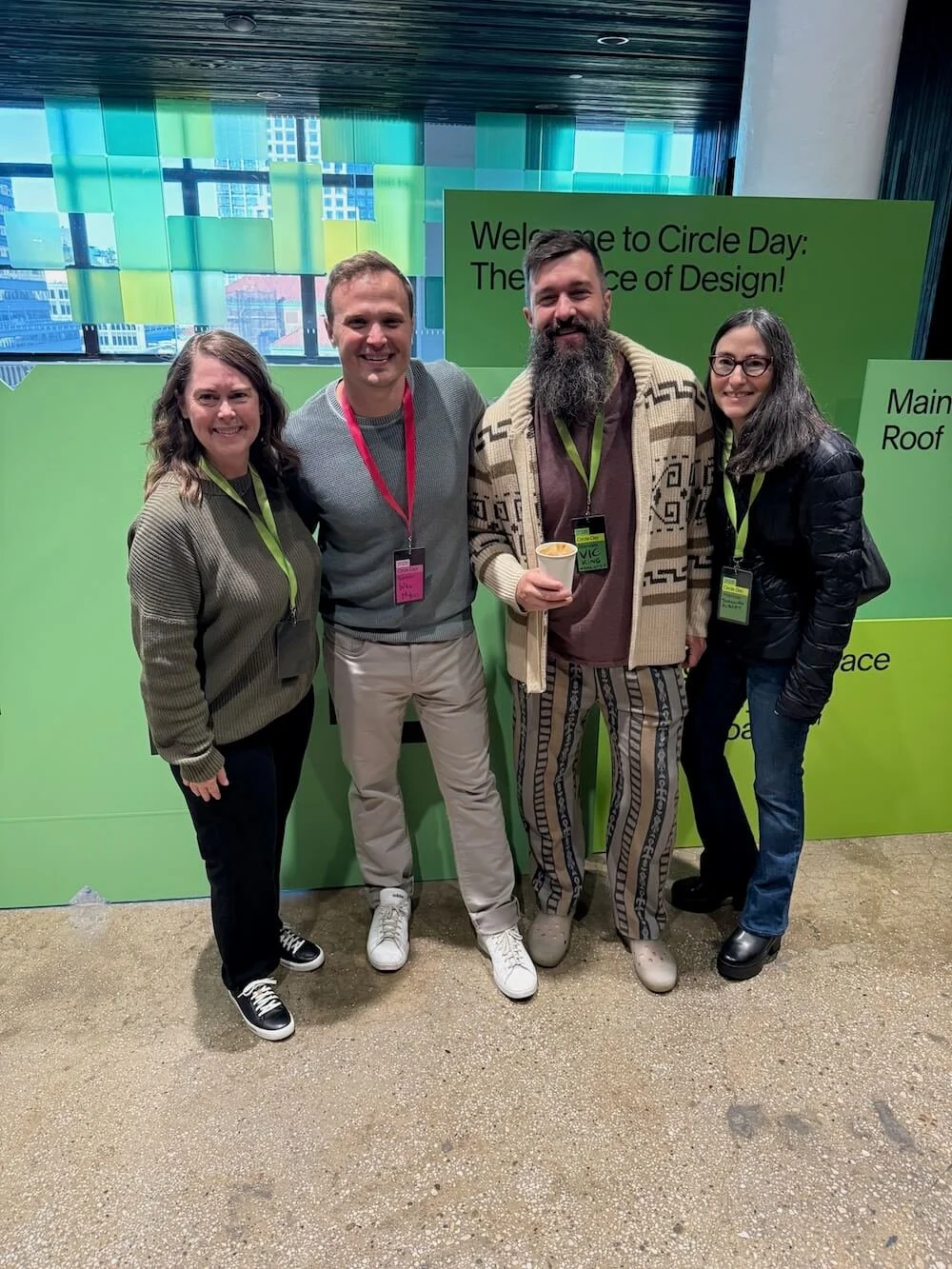
Puno of ilovecreatives emceed this Circle Day like a boss, keeping 200 designers in the room engaged and helping thousands tuning in online feel like they were in the room too. The vibes were high (where else would a joke about block-yui land perfectly?) and, most impressively, she transitioned from a talk about AI to a live brass band without missing a beat (yes, pun intended). Thank you, Puno!
The Product Keynote: New Squarespace Features
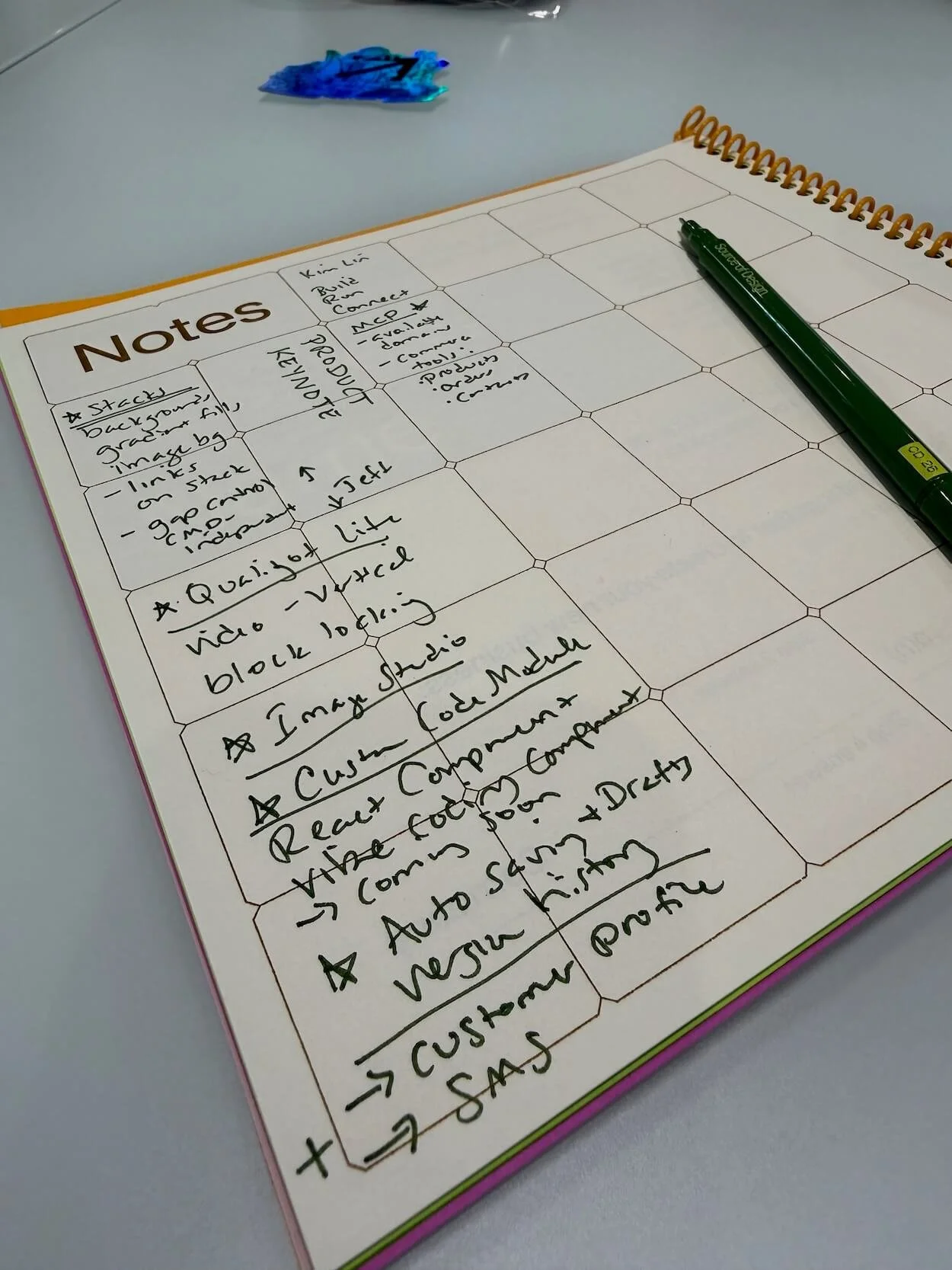
The opening keynote was packed solid, and my notes had lots of stars. A few things I'm especially excited about:
Stacks improvements. Stacks now support background colors and images. You can also control the spacing between stacked blocks. Gradients are on the way too. This is going to make creating beautifully designed card layouts easy, all with no custom code. YAY!
Video aspect ratios. Video blocks now detect your video's dimensions, including vertical video like YouTube Shorts or Instagram Reels. If you've ever tried to wrangle a vertical video into a horizontal hole, you understand my joy.
Image Studio. Squarespace's built-in AI image generator and editor. You can generate an image, edit an existing photo, or build a set of images that look like they belong together. I expect this to continue to get better and better. I even made an example for you below!
Auto Saving and Drafts. I think I cheered out loud for this one. Auto-saving AND drafts are coming. At long last! Can you imagine being able to get sign-off on changes and then just one click makes it live?!
Customer Profiles. You can see everything about a customer in one place: contact details, total spend, orders, invoices, and more. If you sell online, you are going to love this.
SMS Campaigns. Not just email campaigns; you can now run text campaigns too.
AI Sections. A new block for React components, CSS libraries, and custom styles. This is a nice feature for anyone who loves to push past the built-in options. Conversational prompts are coming later.
Integrations, APIs, and Extensions. New Commerce APIs, a Squarespace MCP so you can search for domains from the AI tools you already use (with commerce and website tools coming), and new extensions like HubSpot and Google Reviews.
The new Developer Site. developers.squarespace.com has been rebuilt, and the documentation is now easier for both people and AI agents to read.
And Then There's Forma
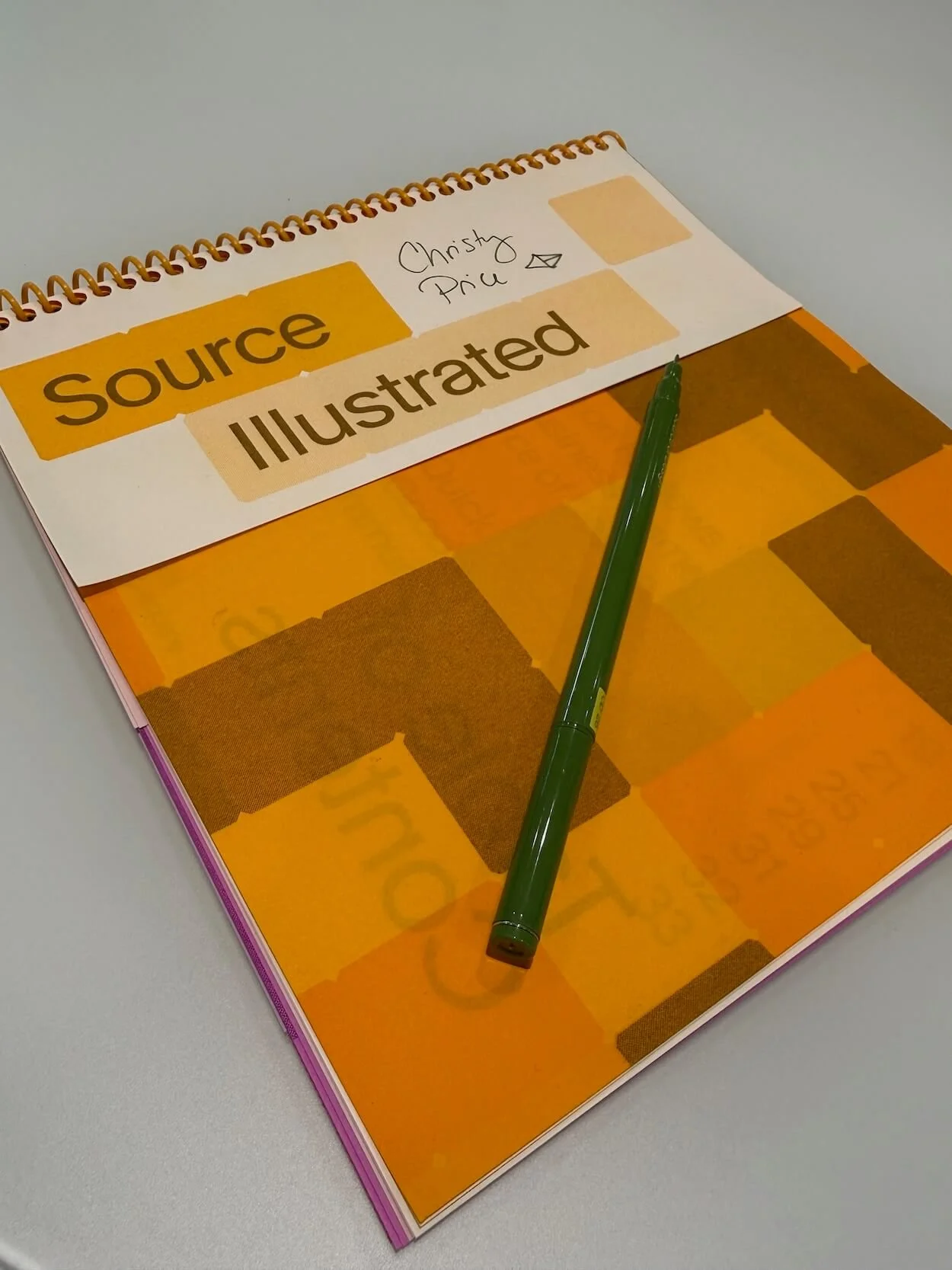
The biggest reveal of the day was Forma, Squarespace's upcoming AI-native platform. In the demo we saw, you use prompts to describe a business, and Forma builds the website, along with custom apps and agents. It’s real-time, unified data architecture, so everything stays connected.
My first reaction was excitement. My second was: what about taste vs. AI slop?
Part of why I built my business on Squarespace is that it has lovely boundaries. So I'll be watching (and giving lots of feedback) to see how those guardrails carry over into a world where AI can build almost anything.
That said, I can already see how I'd use it:
Going beyond the website. I’m thinking about how I can bring all my client onboarding and project management into Forma instead of having it scattered across different tools.
For clients. If no one has asked you “Do I need an agent?” yet, it’s coming. Now we can set up apps, websites, and agents under one roof. And my money is on Squarespace providing one of the best handoff flows in the business.
I've joined the waitlist, and I'll share what I learn once I get my hands on the beta (and clearance to talk about it!). You can sign up for the Forma waitlist here.
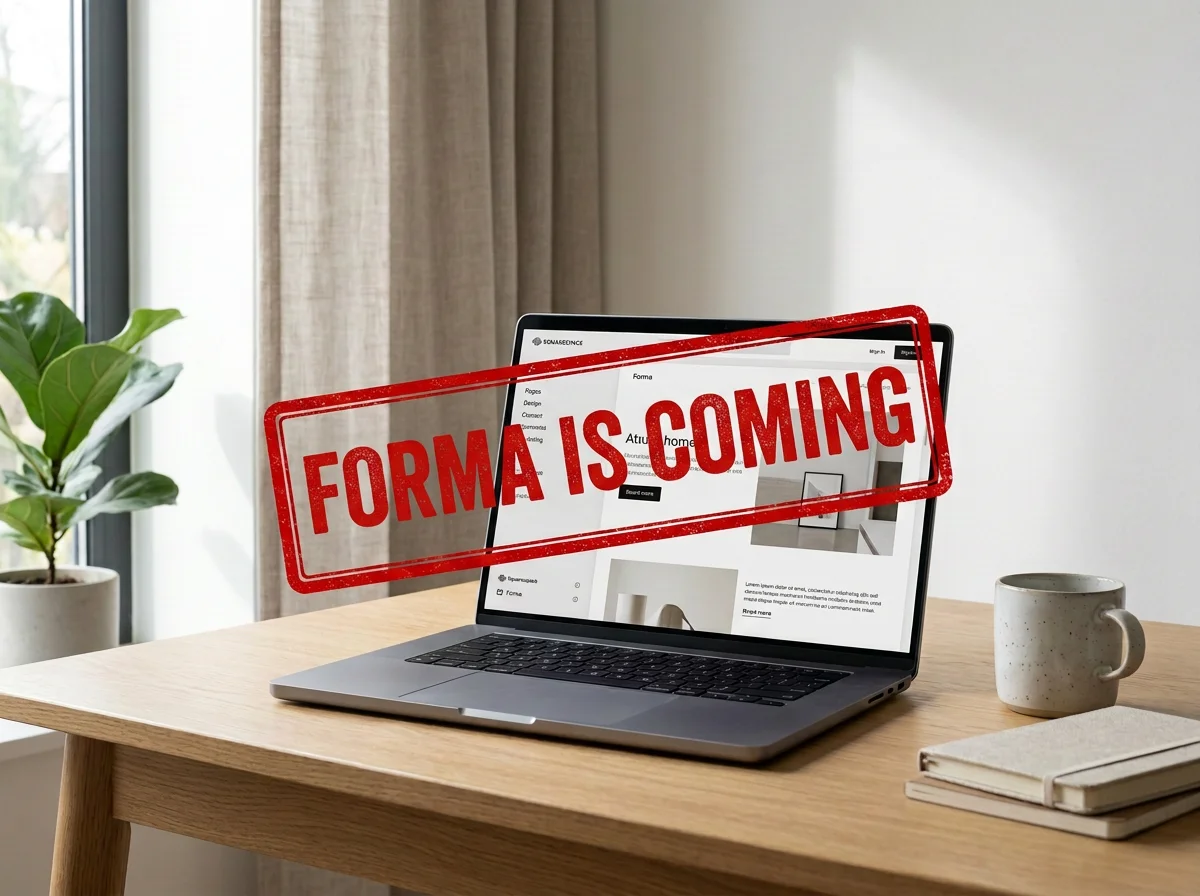
(this image was AI generated using Squarespace)
“Everything old is new again.”
After lunch, Squarespace founder and CEO Anthony Casalena sat down for a conversation with Kevin Doerr (the President of Squarespace) and told a story I’m still thinking about.
A wine distributor friend of Casalena’s used AI to build an invoicing app. And hosted it on “Chrome”. Which meant it was a single file that saved everything to his browser. So if his friend ever cleared his cache, he’d lose everything! After talking about it, the friend moved the app to a real host... with his bank information and all his API keys right in the file for anyone to see.
So his friend was following the steps that AI gave him and just didn’t know what he didn’t know. Casalena’s point was that those of us who build for the web take for granted how valuable it is to know what to avoid. People will build with AI whether we’re there or not. But somebody needs to be the one who says, “Sooo… why don’t we NOT put your banking details on the internet.”
(Which is exactly what Becca’s “guesses make messes” references too. More on that next.)
Casalena also shared how many times he’s had AI one-shot a design he was happy with... zero. He tweaks almost everything. So taste is still what matters most, even for someone who is really good at prompting a robot.
Vibe Coding: Hype, Risk, and Where It Actually Fits
This panel with Becca Harpain (Inside The Square), Dave Hawkins (Made by Dave), and my Somewhat Useful co-host Will Myers was the one I'd been looking forward to most. All three work with clients and mentor other designers, and each one of them said their business has shifted a lot this year.
My takeaways were:
Will: "Don't be a tool." Will splits his work into "tool work" he can hand off and "human work" he needs to keep doing himself. How do you know which is which? Will asks “Would anyone care if a person did this?” For example, when a client says "I'll know it when I see it," he uses AI to build several prototype options fast, then uses his own judgment to pick the best to show the client.
Becca: "Guesses make messes." If AI has to guess, you end up with a mess. Becca shared a story about someone who built a paid app with AI and had no legal pages (privacy, terms and conditions), and no idea how to get their website on Google. Becca’s core point was that AI can't answer questions clients don't know to ask, and that's where our expertise comes in. (Exactly what Anthony Casalena said, too.)
Dave: "AI is our printing press." Dave’s point is that AI doesn't replace the designer; it adds to the craft. He also reminded us that just because you CAN doesn't mean you SHOULD. Dave keeps a list of things that stay human, like pricing, scope, and creative ideas.
Basically, AI is getting better. But we still need human judgment, taste, and connection. And they had my favorite slide of the day:
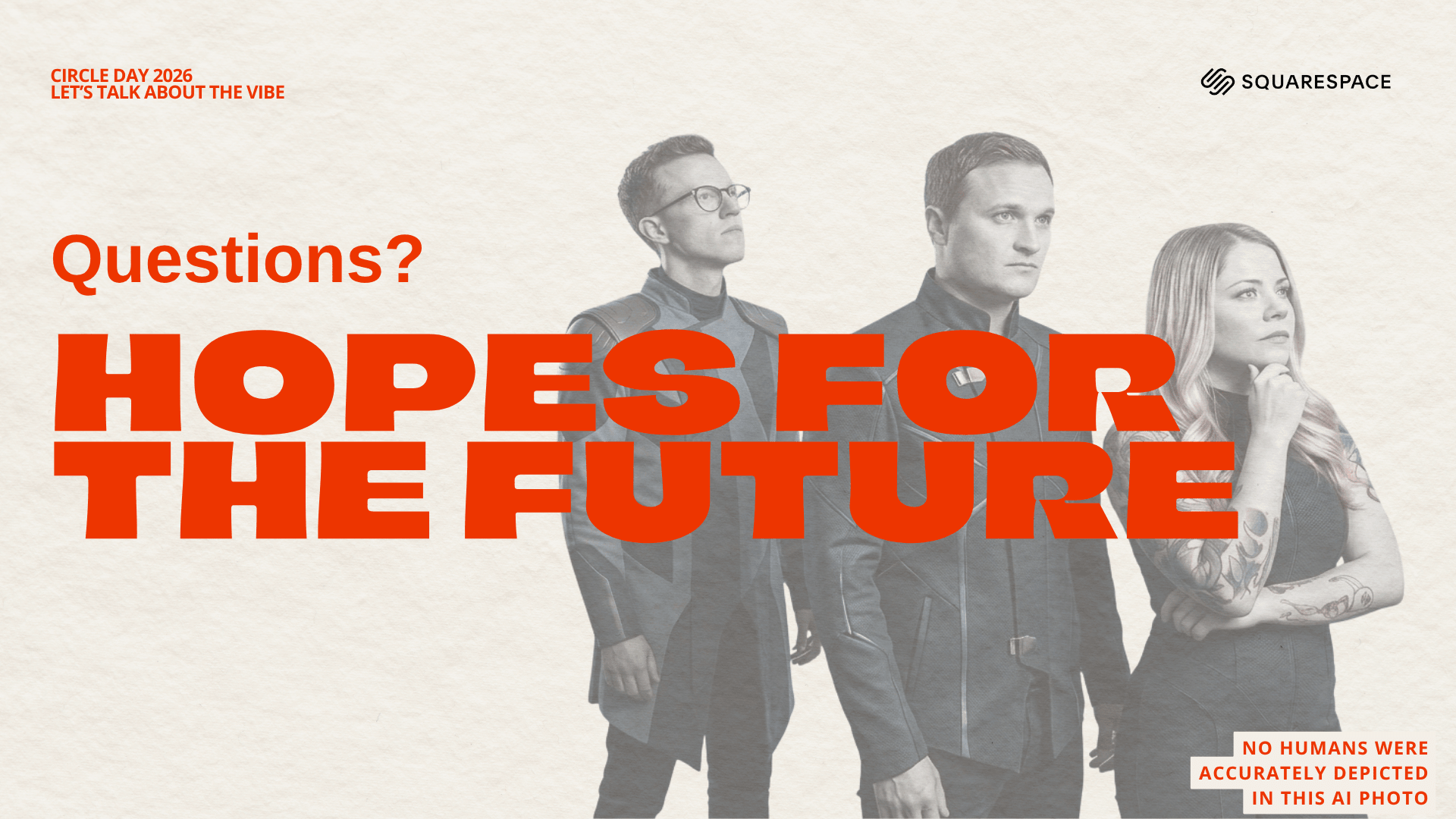
the slide where we finally get to see what Robo Will looks like
More on What Vibe Coding Means for Web Designers.
Building Products in the Squarespace Ecosystem
Will was back on stage in the afternoon with Nick Ippolito of SquareKicker, and this session was full of practical wisdom (and a very funny story about Nick getting kicked out of a Facebook group).
They shared a simple framework for building products: listen to complaints, build a cupcake, talk to your customers.
Okay, cupcake, amiright? A "cupcake" is the smallest whole version of your idea. It’s something you can put in people's hands to get feedback before you spend months building an entire cake. This works whether you're building a product, a service, or a client website. And Nick put it perfectly: if you aren't a little bit embarrassed when you launch, you probably launched too late.
My favorite quote of the session was from Will: "Entrepreneurship is messy. Clean up after yourself."
More on Beyond Websites: Building Products in the Squarespace Ecosystem.
The Breakout Conversations
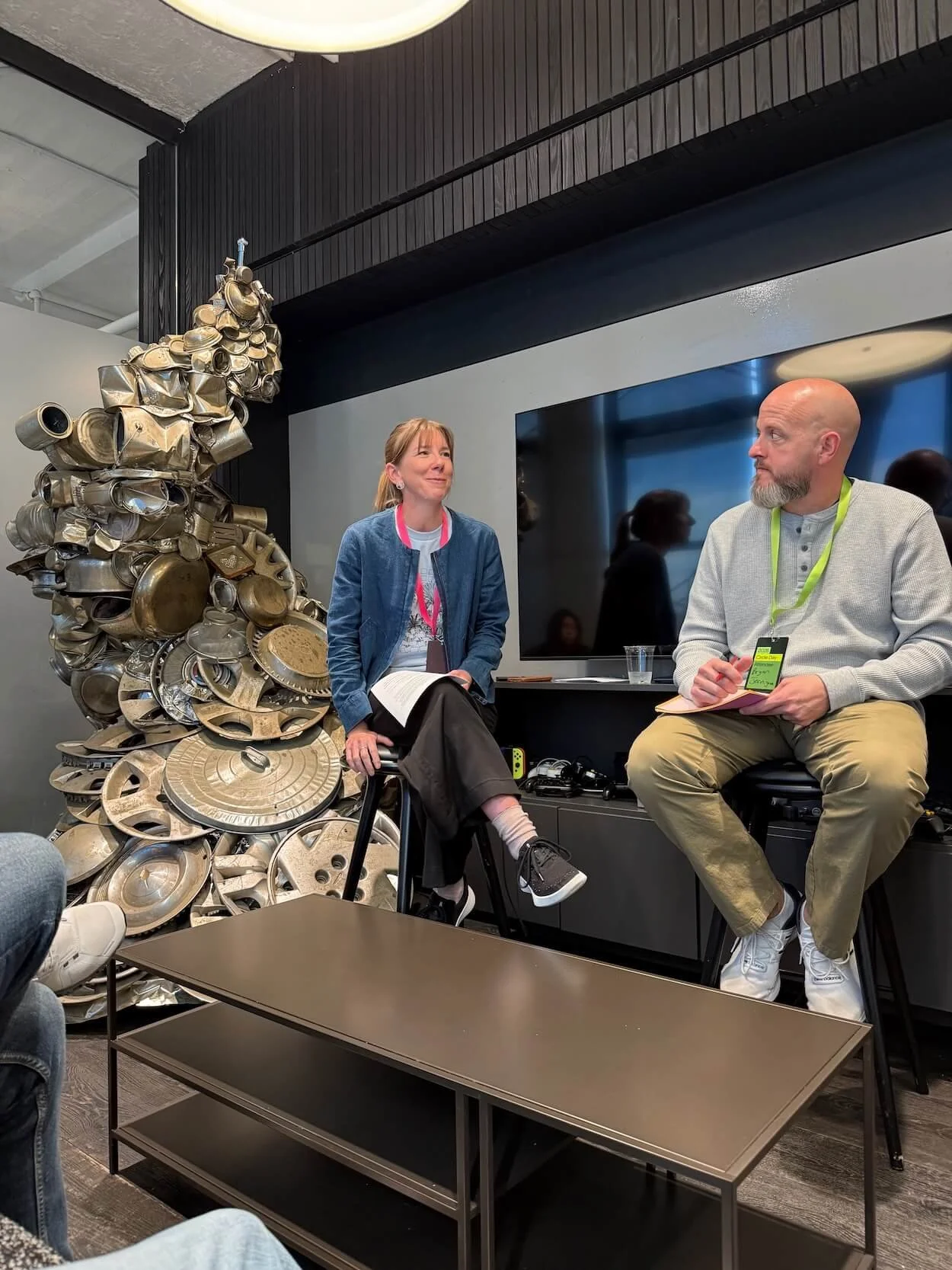
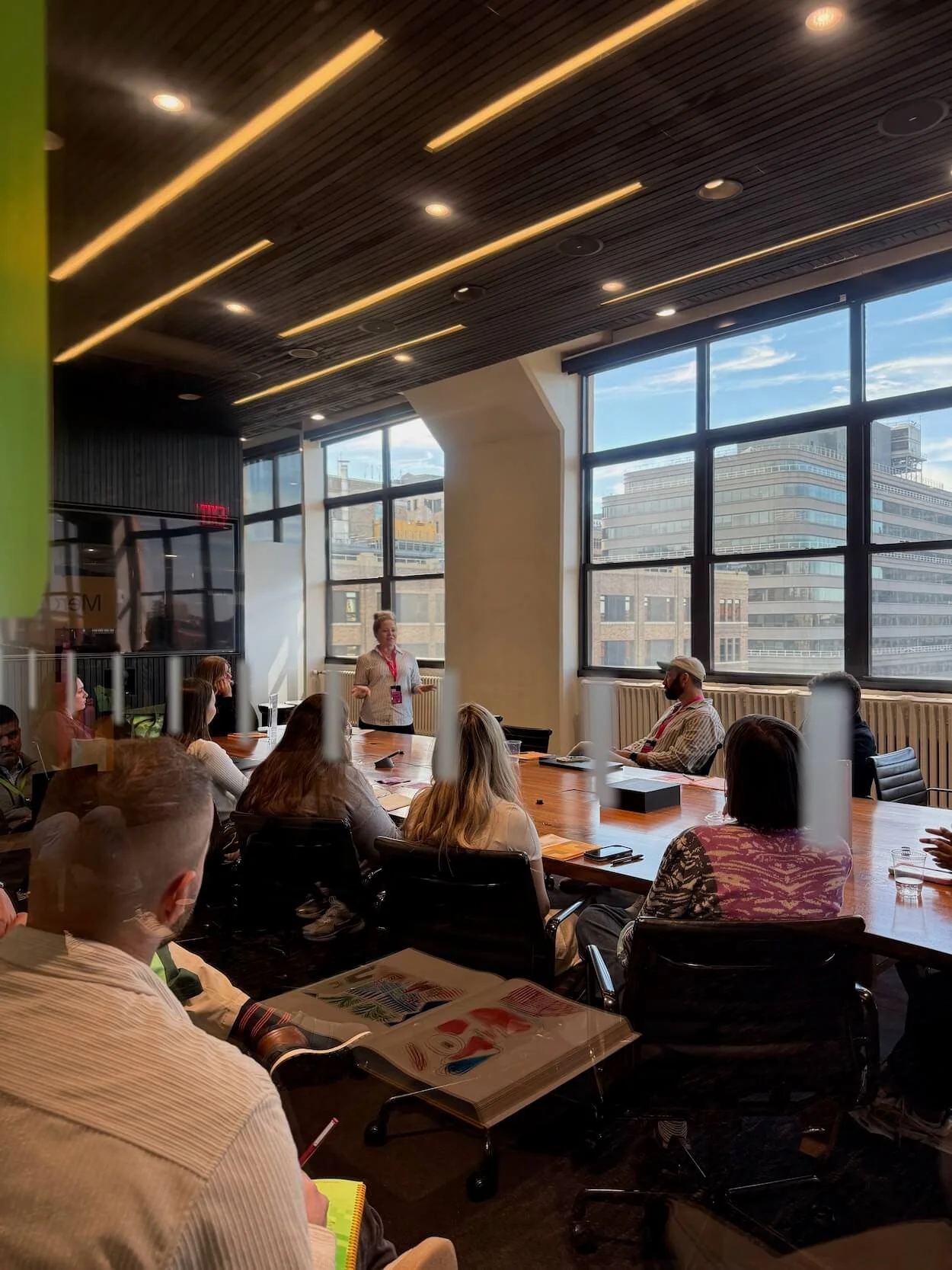
You won’t find recordings for the breakout conversations that happen in person on Circle Day, which makes them feel more like sitting around a table with friends than attending a session. The one I joined covered everything from maintenance plans to how we’re handling AI in our work.
It was a safe space to share big feelings, and I can’t count the number of times I looked around and saw heads nodding in agreement and understanding. Huge thanks to Hannah Ippolito of Squarekicker for guiding our session.
Creative Resilience with Andy J. Pizza
The final talk was from author, illustrator, and Creative Pep Talk host Andy J. Pizza. A perfect way to wrap up Circle Day.
I feel like you just need to watch this one. We laughed, we cried, we felt connected as humans. Andy shared wisdom from Toy Story: the thing in the way of what you want might be what you need. He also talked about how "the block is the brief," so constraints like budgets, time, and rejection aren't the end of your story. They're the brief you get to work within. And, maybe my favorite piece: adapting doesn't mean adopting everything. You get to choose how to change, guided by your own taste.
And I couldn’t love this more. Andy’s response to an increasingly digital world was to hand-paint every page of his latest book.
The Other Best Parts: The People and The Band (yes, BAND)
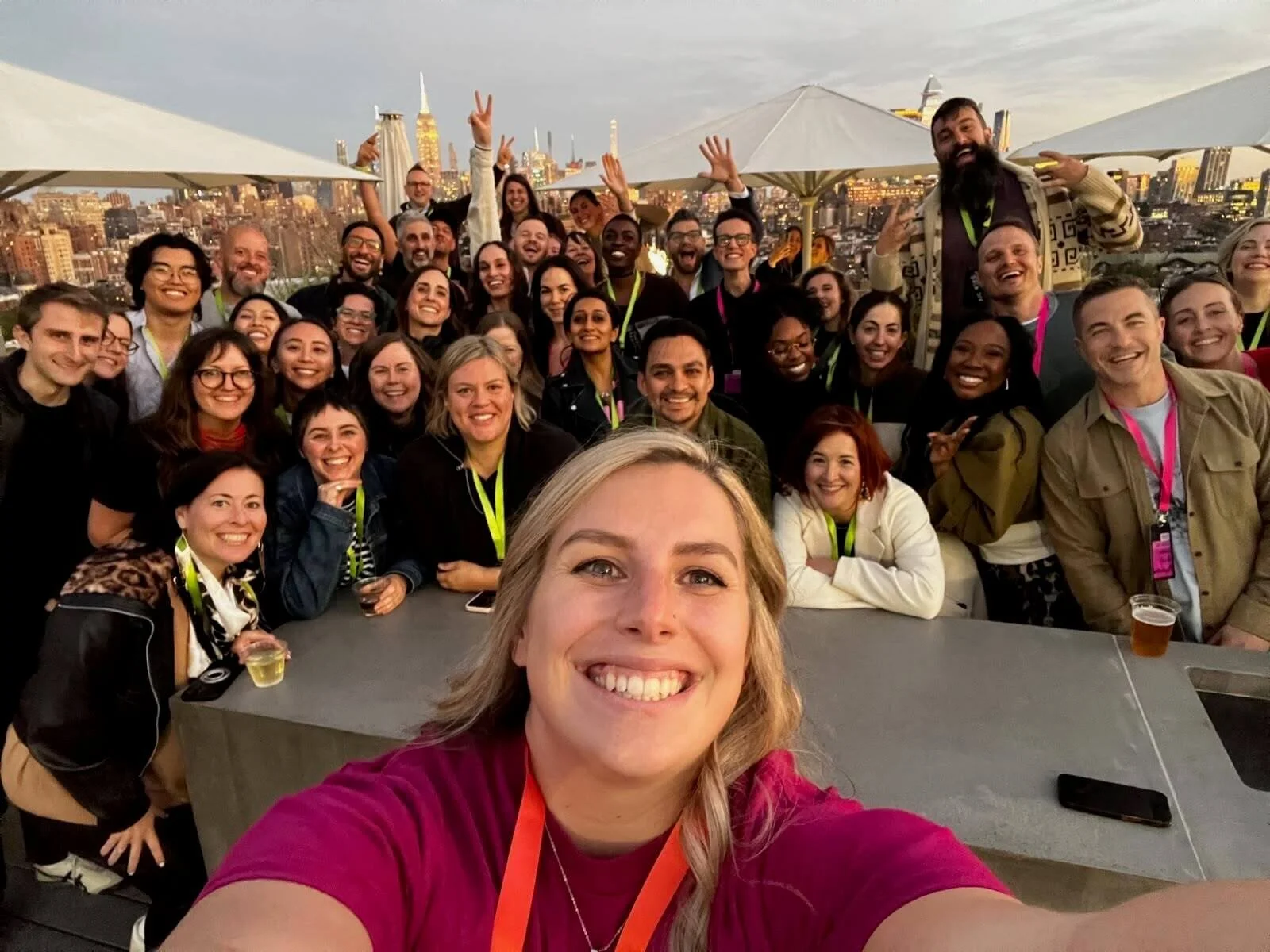
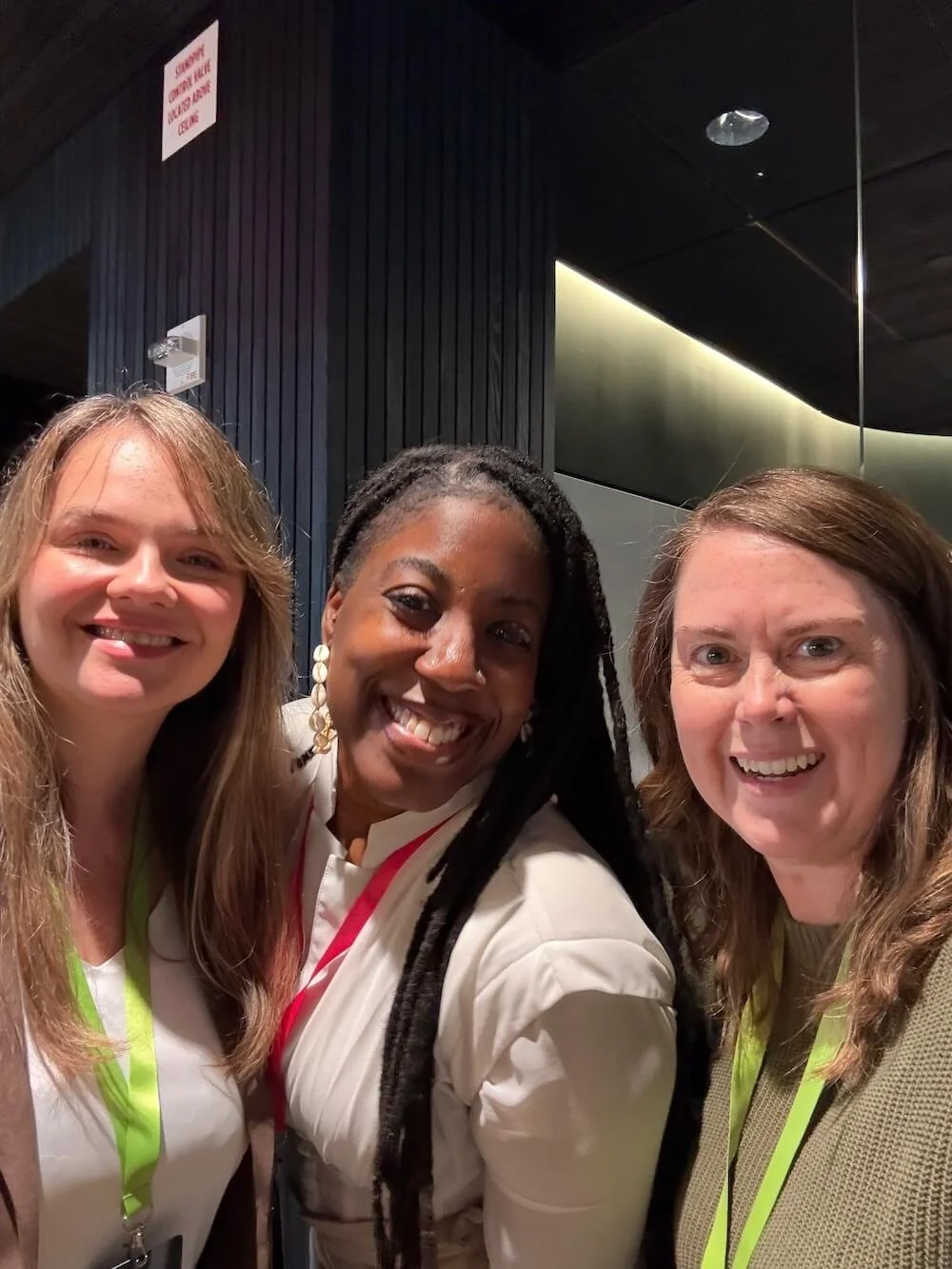
As much as I loved the official sessions, the hallway (and bathroom, who am I kidding) conversations are maybe where I learn the most about what is on everyone’s mind. Lunch on the roof, swapping stories with designers I've known online for years and finally got to hug in person (sorry if I didn’t ask first), meeting new folks, comparing notes on our existential dread… that’s where some real magic happened.
And the Squarespace Circle team made it clear they want to hear from us, and that means so, so much.
The surprise event of the day was a performance by Funkrust Brass Band, a post-apocalyptic disco punk brass band. (I never imagined I’d be stringing those words together in a blog post.) My only note was “more cowbell”. It was an incredibly fun performance, so definitely check them out online.
But What Does It ALL MEAN?!
If I had to sum up Circle Day 2026 in one sentence, it would be the tools are getting more powerful, and your expertise matters more than ever.
For my clients, that means faster ways for us to try out ideas, more tools built right into their sites, and custom tools that weren’t easily within reach even a year ago.
For my fellow designers, it means leaning into the things AI can't do. Ask the questions your clients don't know to ask. Bring your taste. Build relationships. And don't be afraid to try new tools, as long as you don’t let them railroad you. Use your intelligence guided by experience, and you (not AI) will be who clients look to for guidance.
For a year where I’ve mostly been feeling “Strange things are afoot at the Circle K,” this felt like a collective moment of support. Thank you, Squarespace and the wonderful Circle Team, for another fantastic Circle Day.
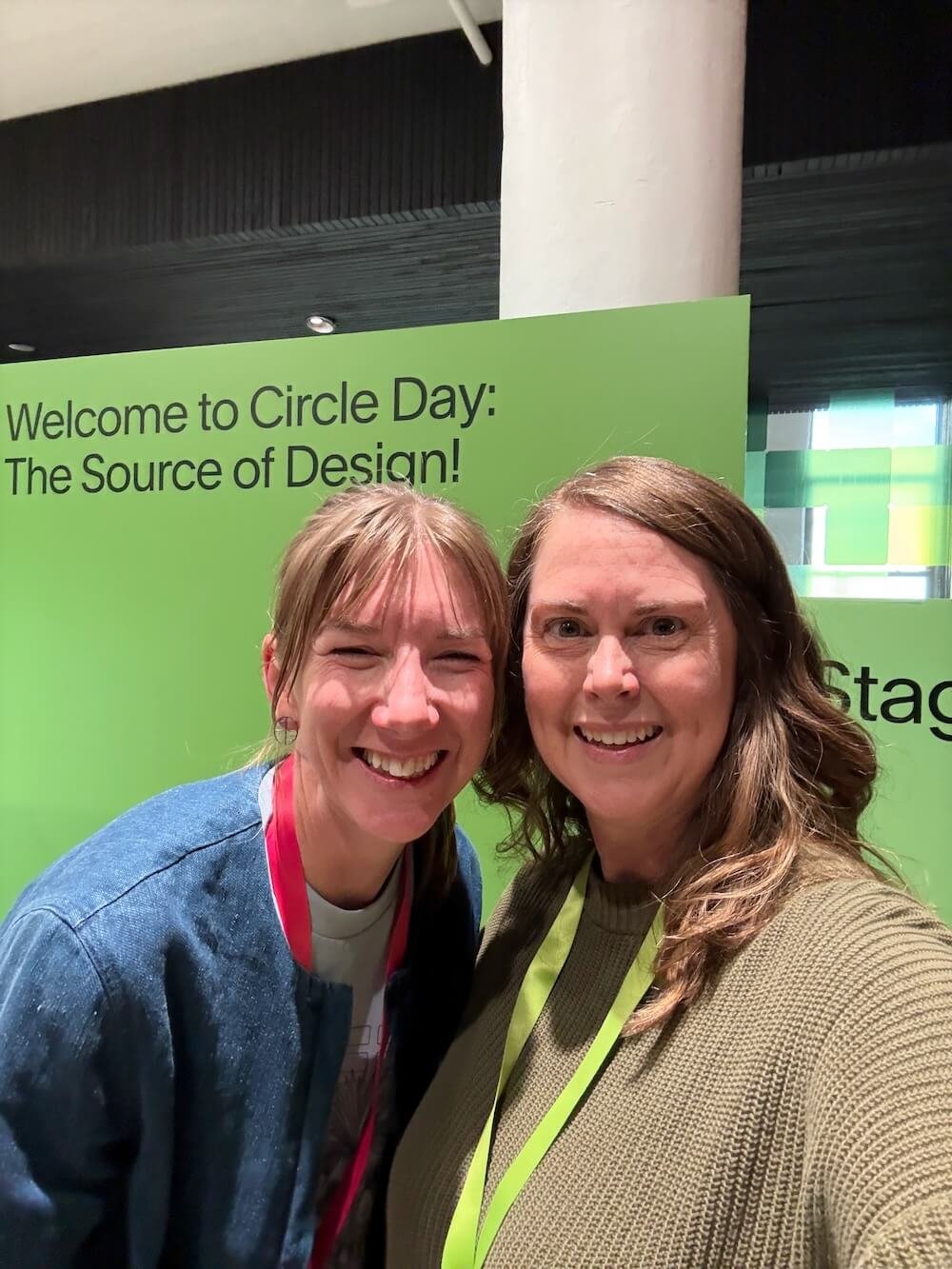
Are you thinking about attending next year? Here’s more on How to Prepare for Squarespace Circle Day. You can find recaps for select past Circle Days at 3 Lessons from Squarespace Circle Day 2023 and Circle Day 2025 Recap for Squarespace Pros
Catch the Replays
You can watch the product keynote along with talks from the day. And if you attended in person, you can catch the online sessions too.