
Kit vs Flodesk (2026): Pricing, Features & Which Is Better
↓ Prefer to watch? Scroll down for the video
I’ve personally used both Kit and Flodesk at different stages of my business, and I genuinely recommend both… just for different reasons.
They both:
Are bootstrapped companies, so they have a special place in my heart
Put customers first
Offer excellent support
Continue making meaningful improvements to their product
Are built with entrepreneurs in mind
This guide breaks down:
Kit vs Flodesk pricing
Feature differences
Automation comparisons
Free plan differences
Which platform fits different styles of email marketing
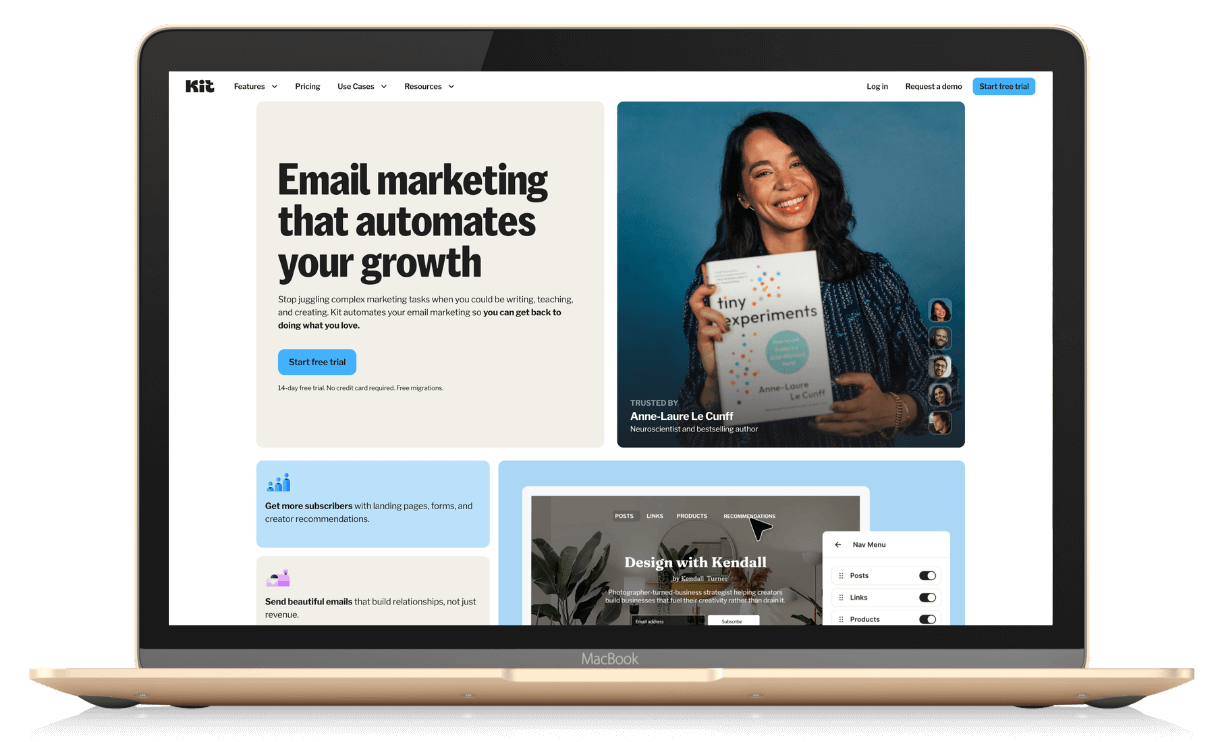
Kit vs Flodesk: What’s the Difference?
At a high level:
Kit is built for creators and solopreneurs who want deeper automation, tagging, and long-term scalability.
Flodesk is built for solopreneurs who prioritize beautiful email design and a simpler, streamlined experience.
Both allow you to:
Send broadcasts
Build landing pages and forms
Create automation workflows
Segment your audience
Sell products or services
But they feel very different in daily use.
Kit vs Flodesk Features & Pricing Comparison (2026)
When I’m researching tech tools, pricing is a serious consideration. I feel like running a business has gotten so expensive, so I want to make sure I’m using my resources wisely.
Here’s a simplified breakdown:
| Feature | Kit | Flodesk |
|---|---|---|
| Free plan | Yes, up to 10,000 subscribers with one basic automation | Free 2-week trial |
| Starting paid plan | About $33 per month and scales with list size | About $19 per month for Lite and scales with list size |
| Unlimited emails | Yes | Yes |
| Pricing model | Increases as subscriber count grows | Increases as subscriber count grows |
| Automation | Advanced automation with tagging, segmentation, and conditional logic | Workflow automations that are simpler and easy to set up, with link actions |
| Segmentation | Advanced tags and segments | Audience segments |
| Checkout and selling tools | Yes, sell digital products on any tier | Yes, built-in Checkout on the highest tier plan |
| Squarespace integration | No native direct integration. Forms can be embedded. | Yes, native integration for Squarespace Commerce (customer and purchase syncing), but not for email signups. Forms can be embedded. |
| List Growth | Integrated Creator Network for referrals | Relies on you |
| Support | Helpful AI chat support plus documentation; live human support in 2 hours or less | Human support via email plus help resources |
| Best for | Solopreneurs who want deeper automation and long-term scalability | Solopreneurs who want beautiful design and a simpler workflow |
| Perks | Paid plans includes free access to Kit Studios in Boise, Chicago, and NYC (~$175+/hr savings). If you are a creator, this is HUGE. |
Note: Pricing and plan details can change. Double-check current plans on Kit and Flodesk before purchasing.
👉 Check current pricing at Kit.com/pricing and Flodesk.com/pricing
Key Takeaways:
If you want a real free plan with email sending, Kit wins.
If you want a lower starting paid tier with a simpler setup, Flodesk can feel more affordable early on.
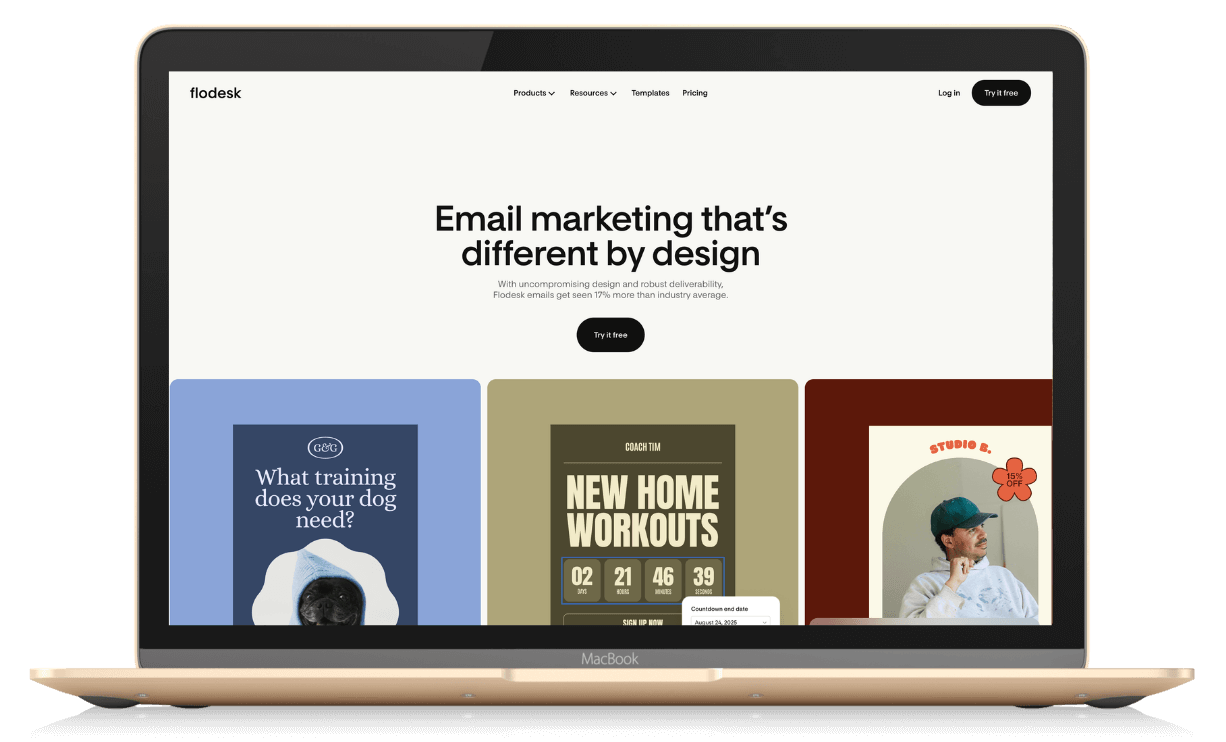
Free Plan Comparison: Kit Free Plan vs Flodesk Free Trial
This is one of the biggest differences in the ConvertKit vs Flodesk conversation.
Kit Free Plan
Up to 10,000 subscribers
Email sending included
Unlimited forms and landing pages
Basic automation included
For early-stage solopreneurs, this is huge.
Flodesk Free Plan
A two-week trial experience
Explore the product and see if it’s a good fit before committing
If budget runway is your main concern, Kit’s free plan is very compelling. But if you want simplicity, Flodesk’s free trial allows plenty of time to explore the platform.
Kit vs Flodesk Automation: Which Is More Powerful?
They are both good. Just different.
Kit Automation
Visual automation builder
Advanced tagging and segmentation
Conditional logic
Built for funnels and launches
Designed for audience behavior tracking
Kit shines if you:
Run evergreen funnels
Launch products
Want behavior-based sequences
Plan to scale multiple offers
And their AI support chat genuinely helps when building sequences.
Flodesk Workflows
Clean, visual workflow builder
Easy to understand
Less complex branching logic
Designed for simplicity
Flodesk works beautifully if:
You want a typical welcome/nurture sequence
You run straightforward campaigns
You don’t want to over-engineer your email system
If you prefer elegant simplicity over deep automation logic, Flodesk feels lighter. If you need more data about your list, Kit is where it’s at.
Flodesk and Squarespace Integration
If you use Squarespace for your website or online store, the way your email marketing connects with your site matters. Flodesk now includes a native Squarespace integration that goes beyond just embedding forms and gives you actual customer syncing and automation options. (Note: the Flodesk integration does NOT work with Squarespace newsletter blocks, you’ll still need to embed forms for email capture outside e-commerce.)
What the Direct Integration Does
Once you connect Squarespace with Flodesk through the Flodesk Integrations settings, here’s what happens:
Flodesk automatically syncs your Squarespace customers and subscribers into a dedicated segment named after your Squarespace store.
You can trigger post-purchase workflows when someone completes a purchase on Squarespace.
This makes it easier to follow up with customers right after they buy without relying on external tools like Zapier.
Important limitations:
Due to Squarespace API restrictions, abandoned cart emails are not supported through this integration.
Data is synced every 6 hours, so it’s not immediate.
This is NOT for newsletter blocks, only for Squarespace Commerce.
How It Works (At a Glance)
Once connected inside Flodesk:
All opted-in customers and subscribers from Squarespace are imported into a segment automatically.
If someone purchases and opts in to marketing at checkout, they are added to Flodesk as an active subscriber.
If someone purchases without opting in, they’re added as an unconfirmed subscriber and can be converted later.
What This Means for Your Email Strategy
With this integration:
You can automatically send welcome sequences or post-purchase follow-ups.
You can segment customers based on their purchase behavior and tailor workflows.
You don’t need separate automation tools to move customer data from Squarespace into your email system.
Still Useful: Embedding Forms
Even with the integration, you can also embed Flodesk forms directly on your Squarespace site using code snippets (e.g., header code and inline code for static forms or popup embeds). This gives you flexibility to grow your list without redirection if you prefer inline or popup capture experiences.
[ WALKTHROUGH POST COMING SOON]
Which Email Platform Is Better for Growing your List?
Much of this comes down to YOU, but a few things to consider.
Choose Kit if:
You want an included page of all your emails (a “digest”) you can share
You want seamless Creator Network connections so others can recommend your newsletter
Choose Flodesk if:
You are okay with sharing links to individual emails
You don’t need a creator network to recommend your newsletter
A nod to Kit here for growth tools like the Creator Network. And I loved the email digest page I could send folks to.
Email Design: Is Flodesk Better for Visual Brands?
Short answer: Yes, if simplicity is your top priority.
Flodesk:
Gorgeous templates
Modern layouts
Brand-forward customization
Very intuitive design editor
Kit:
Clean and simple design
Functional and customizable
More minimal by default
If you want emails that feel like an extension of your website aesthetic and are simple to create, Flodesk has an edge.
If you care more about segmentation and strategy, Kit often makes more sense.
Support & User Experience
This deserves its own section.
Both platforms are customer-first.
Kit Support
AI chat support that’s genuinely useful
Knowledge base
Strong creator education ecosystem
Live help from a human within 2 hours
Flodesk Support
Responsive human support
Friendly onboarding
Strong design-focused help resources
Personally, I’ve had good experiences with both.
Which Email Platform Is Better for Solopreneurs?
The practical decision guide…
Choose Kit if:
You want a generous free plan
You plan to build complex funnels
You like organizing subscribers
You expect to scale into launches or multiple offers
Automation depth matters
You’re a creator in Boise, Chicago, or NYC and could use recording space as part of your paid plan
Choose Flodesk if:
Design matters deeply to you
You want a clean, simple interface
You prefer ease over complexity
Your email strategy is mostly nurture + occasional promotion
You want to offer checkout from email landing pages (a Flodesk feature)
Final Verdict: Kit or Flodesk?
The truth?
Both are excellent email marketing platforms for solopreneurs.
One isn’t “better.” It’s all about which aligns with how you think and how you plan to grow.
Kit excels at automation, segmentation, and scalability.
Flodesk excels at design, simplicity, and usability.
I’ve used both. I’d recommend both. But I’d choose based on how complex I expect my email system to become over the next 2–3 years. Because changing systems can be a headache. (Ask me how I know.)
FAQs: Kit vs Flodesk
-
My opinion is that Kit is better for automation depth and segmentation, and Flodesk is better for design simplicity. The best option depends on your needs.
-
Flodesk offers a free trial, but ongoing email sending requires a paid plan.
-
Yes, Kit offers a free plan with email sending for up to 10,000 subscribers, with some feature limitations (definitely take a look at automations).
-
If you prioritize simplicity and design, Flodesk may feel easier. If you want to grow into advanced automation, Kit may serve you longer-term.